 WhatsApp
How to plan a professional shoot with a clear scope
Turn a production idea into practical decisions about outputs, location, review and usage before requesting a quote.
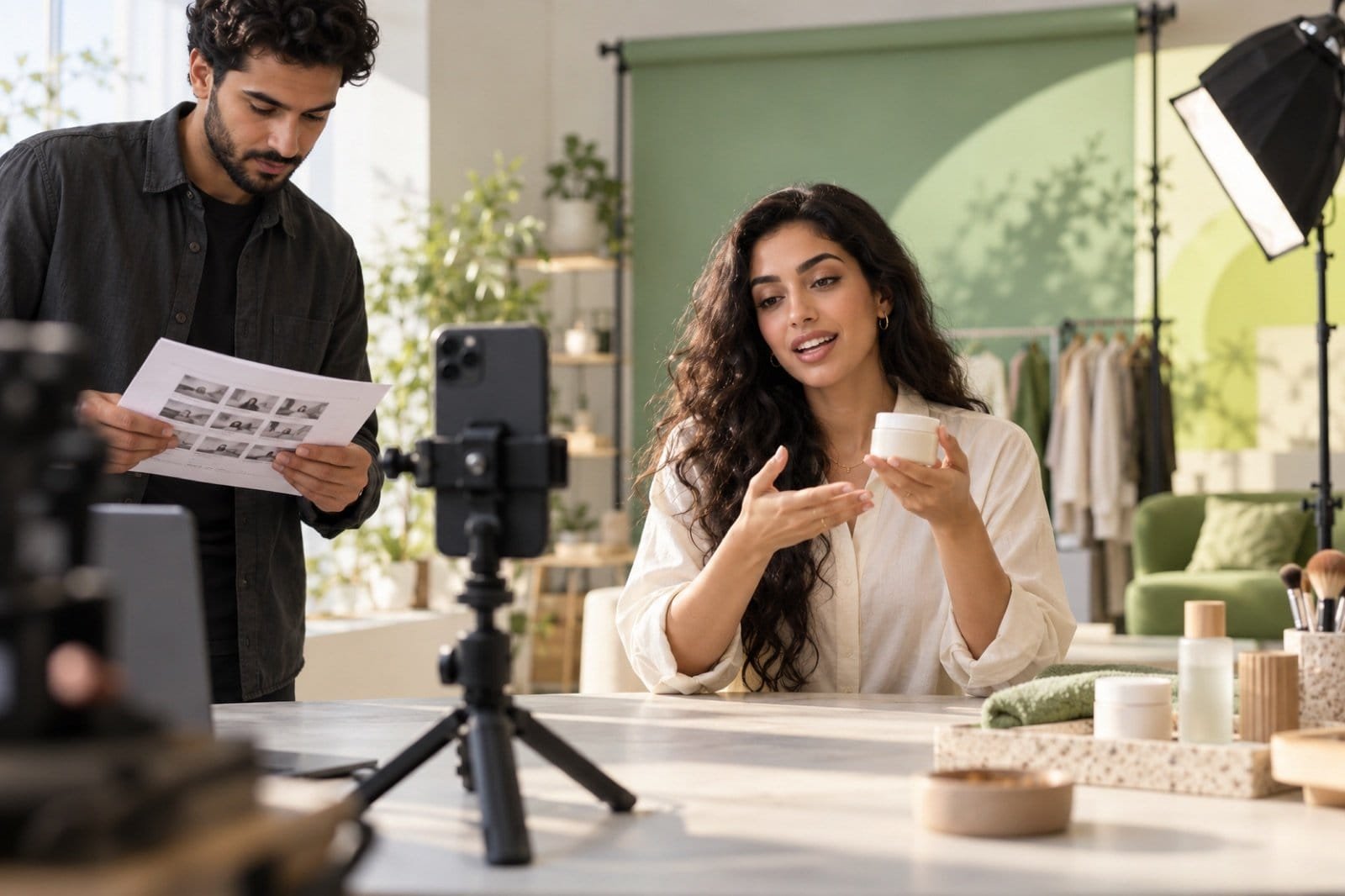
A clear scope makes a shoot easier to plan and review. Start with the outputs you actually need, then identify the resources, time and decisions needed to create them. A list of equipment or filming hours is not a substitute for knowing what the audience should see.
Start with outputs, not equipment
List the content needed: number of videos, aspect ratios, languages, approximate lengths and destinations. One vertical video is different from a family of versions in several formats and languages. A new format may require a different composition rather than a simple crop.
Define what the viewer should understand and the shots that make the point. This gives the production a purpose beyond attractive footage that does not explain the product.
Resolve the location, people and product
Does the shoot need a studio, workplace, home or outdoor setting? Explain whether the location is available and suitable for sound and lighting, and who handles access and required permissions. A location is a practical production decision, not only a reference image.
Confirm the correct product, colour, size and accessories. Identify who appears on camera, when they are available and what needs preparation or testing before the shoot.
Write a sequence that can be filmed
Break the idea into an opening, a demonstration or experience, and an ending. For each scene, note its purpose and what must be seen or heard. The plan can be short; it needs to help the team recognise when the required material has been captured.
An illustrative fictional-product sequence might open with a user question, show the product opening, demonstrate a short use case and summarise what was actually shown. This is a planning example, not a client project or a claim of results.
Agree review and delivery
Identify who provides feedback and how it will be consolidated. Several reviewers working without one agreed reference can turn a clear review into repeated concept changes. Separate factual corrections from a request for a new scene outside the original scope.
Agree final files, delivery method, version names and intended rights. Music-free versions, alternate subtitles, raw footage and future edits are not automatic inclusions; discuss them before production.
Prepare a quote request that can be answered
Send the product, audience, outputs, location, timing, references and intended usage. Flag unresolved decisions. A clearly stated gap is easier to work with than an assumption discovered after production starts.
20Five quotes professional or in-house filming according to the details. If a creator’s self-filmed experience is enough to explain the product, compare the gifted-review route before choosing the scale of production.
Take the next step
Use the guide to organise your brief before discussing production requirements.
More from the journal.
How to write a creator gifting brief before shipping the product
A product cannot explain the assignment on its own. Use this template to agree content, timing, publishing and rights before it ships.
Read the guideHow to keep self-filmed UGC clear and useful
Natural, clear content starts before recording. Use simple checks for sound, image and message accuracy before the final handover.
Read the guide
How to choose the right creator for your brand
Follower count cannot answer every question. Review audience relevance, presentation style and production fit before building your shortlist.
Read the guide