 WhatsApp
How to plan a product-demo storyboard viewers can follow
Give every scene a question to answer, then connect what viewers see and hear into a demonstration they can follow.
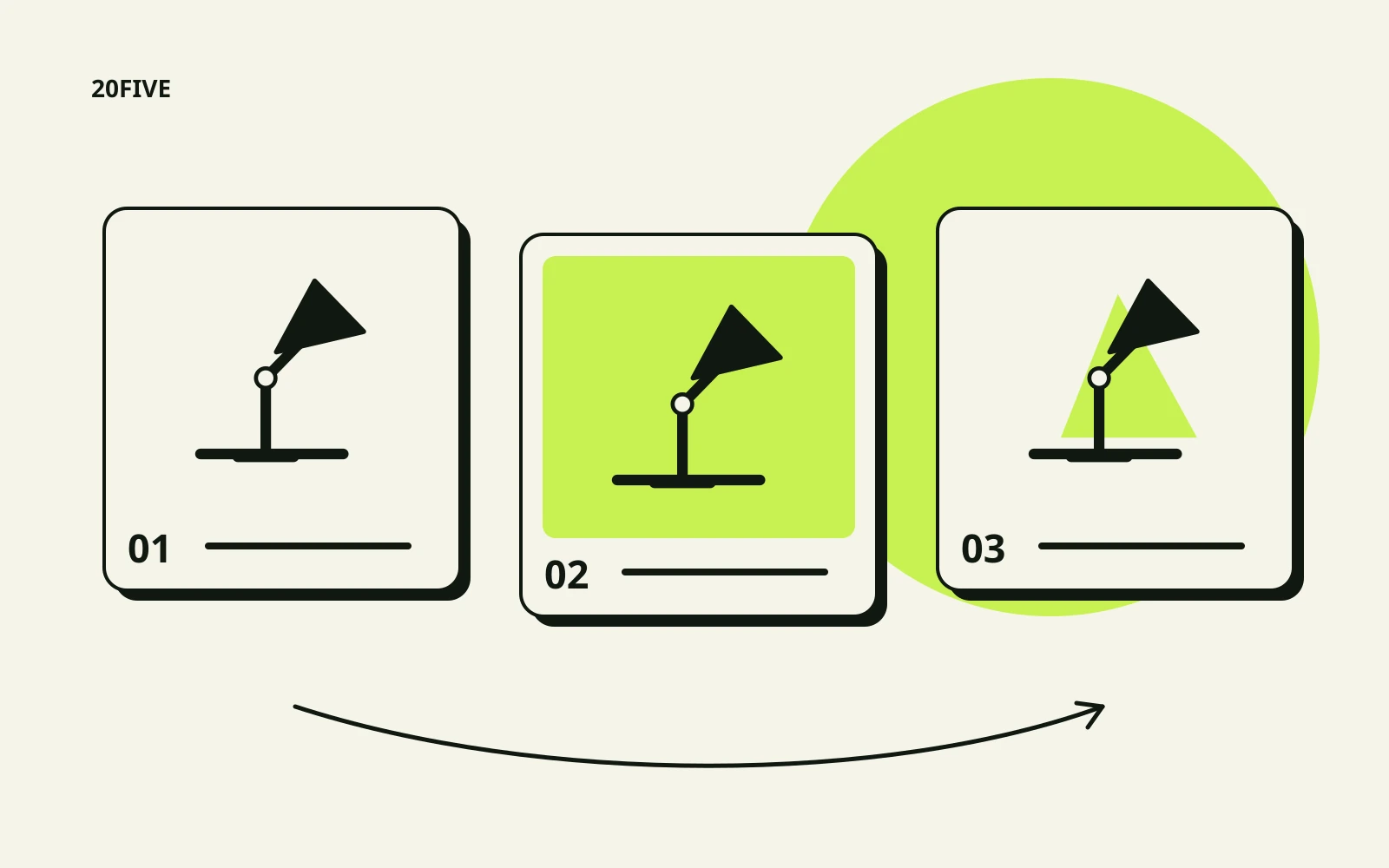
A product can feel obvious to the team working on it every day. A viewer may need simpler answers: where does it go, how do I start, and what happens when I use this part? A storyboard helps you put those answers in order before writing the final script or filming.
Use three fields for each scene: what appears, what is said or written, and what the viewer should understand afterwards. Clear descriptions are enough; polished drawings are optional. Each scene needs a purpose that the brand and creator can discuss and review.
Choose one main product question
Write the question from the perspective of someone considering the product. “How would I use this lamp on a small desk?” gives you a more focused planning task than “show all the lamp’s features.” A defined question helps you choose what belongs in this video and what needs separate content.
List the smaller questions that lead to the answer. Where is the switch? How does the head adjust? How much space does the base occupy? Use product information and real customer questions where available. If the team is making an assumption, label it for review rather than presenting it as an established audience concern.
Give every piece of information something to show
Instead of writing “practical design” in the narration field, identify an action that explains what you mean. Perhaps the lamp sits beside a notebook, switches on or adjusts within its permitted range. Connect the description to visible evidence, using approved specifications where a measurement or precise detail matters.
Check the connection between scenes. A jump from the boxed product to normal use might omit an assembly or connection step. Record any shortened process so the edit does not suggest a different experience from the actual one. The viewer should be able to follow the relevant actions in order.
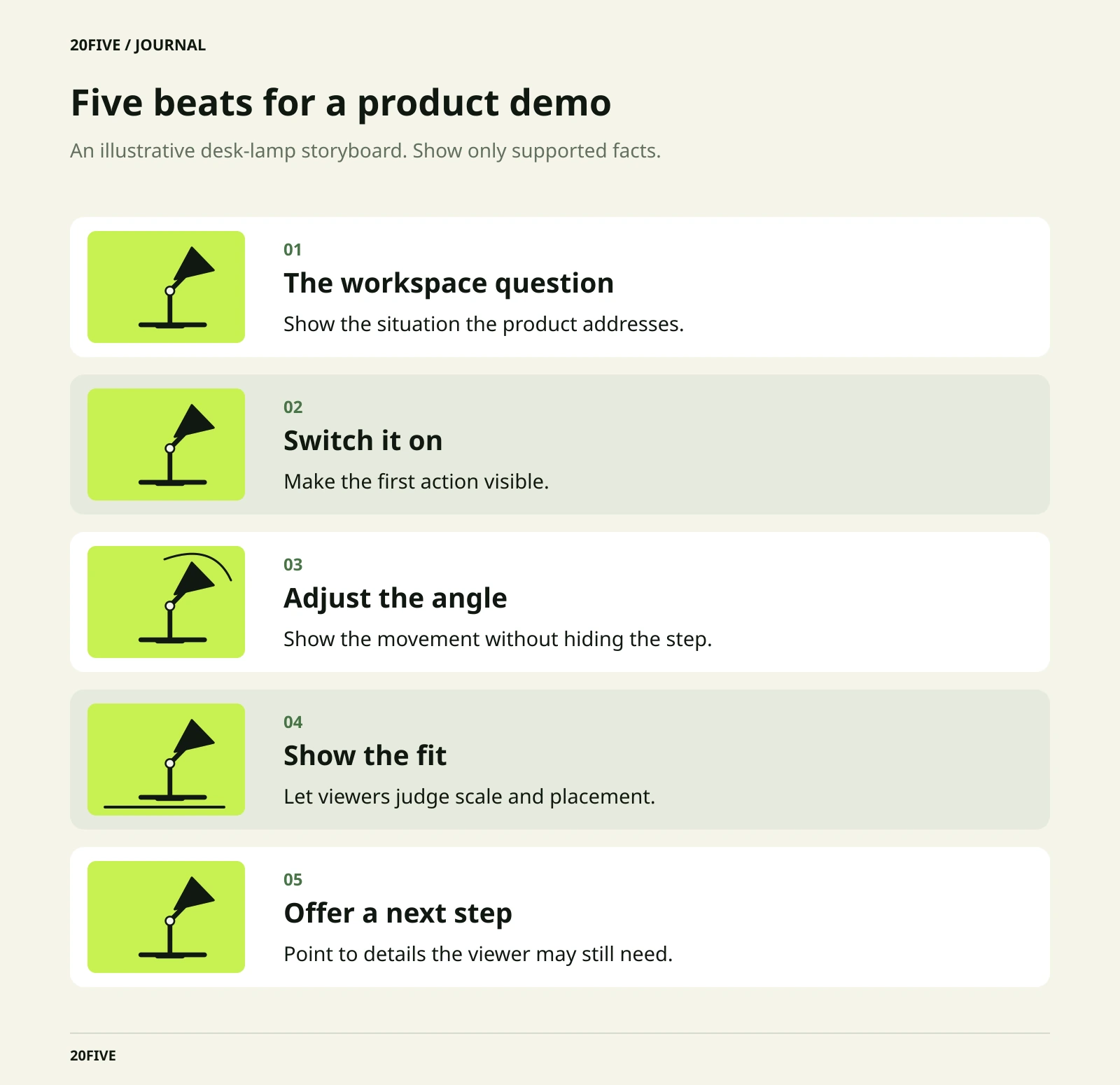
An illustrative five-scene desk-lamp storyboard
This example uses a fictional adjustable desk lamp. It does not describe a 20Five product or campaign. Adapt every action to the real product and its instructions before production.
1. The workspace question
Show a desk, notebook and lamp, with the product’s intended position visible. A possible opening is: “How would I use this lamp on my desk?” The scene establishes the situation. Avoid promises about concentration or eye comfort unless approved supporting information is available.
2. Switching it on
Show a hand identifying and using the switch. A simple line such as “The switch is here” can support the action. If the lamp needs connecting or preparation beforehand, show or explain that step. Check that any on-screen instruction matches the actual product version.
3. Adjusting the angle
Show the head moving as permitted by the instructions, followed by its adjusted position. The narration should describe the movement visible on screen. Viewers need to understand which part moves and how it looks in use. Avoid implying a wider adjustment range or removing a step that makes the action appear easier.
4. Showing how it fits
Show the lamp beside the notebook and essential desk items. This scene answers a spatial question about the base. If size affects the decision, include an accurate measurement or a clear comparison reference. Describe the displayed setup rather than claiming that the product fits every desk.
5. The next step
Finish with the lamp in its final position and one clear action. Viewers might be invited to check dimensions or colours on the product page, provided those details exist there. Verify that the destination supports the invitation before approving the closing scene.
Prepare language versions around the same meaning
For audiences in Dubai or several Middle Eastern markets, agree the language and dialect before finalising the script. Preserve each scene’s purpose across Arabic and English, with natural wording in both. A translated line may need different timing or a revised visual cue.
Check component names printed on the product, pointing directions, measurements and any packaging or screen details. If the project needs alternative openings, vary the question or setting deliberately while keeping every version’s product explanation accurate.
A checklist before filming
- Does the video answer one main question?
- Does each scene explain a visible action or useful detail?
- Do the steps match the real use sequence?
- Do the words agree with what the viewer will see?
- Does a jump hide important preparation?
- Can specifications and claims be checked?
- Do both language versions communicate the same meaning?
- Does the closing invitation lead somewhere useful and available?
Read the storyboard with someone who did not help write it. Ask them to describe the product’s use without extra explanation. An unanswered basic question points to a scene that needs clarification. Once the sequence works, move into the shot list and production requirements with a clearer message to deliver.
Related reading
Take the next step
Explore the relevant 20Five pathway and discuss a clear scope before taking the next step.
More from the journal.
How to write a creator gifting brief before shipping the product
A product cannot explain the assignment on its own. Use this template to agree content, timing, publishing and rights before it ships.
Read the guide
How to keep self-filmed UGC clear and useful
Natural, clear content starts before recording. Use simple checks for sound, image and message accuracy before the final handover.
Read the guide
How to choose the right creator for your brand
Follower count cannot answer every question. Review audience relevance, presentation style and production fit before building your shortlist.
Read the guide