 العربية
20FIVE JOURNAL / LIVE STUDIO GUIDES
TikTok LIVE Studio Setup in Dubai: Planning Guide
A practical guide to planning the room, choosing your LIVE format and preparing an installation brief — illustrated with real 20Five project photos.
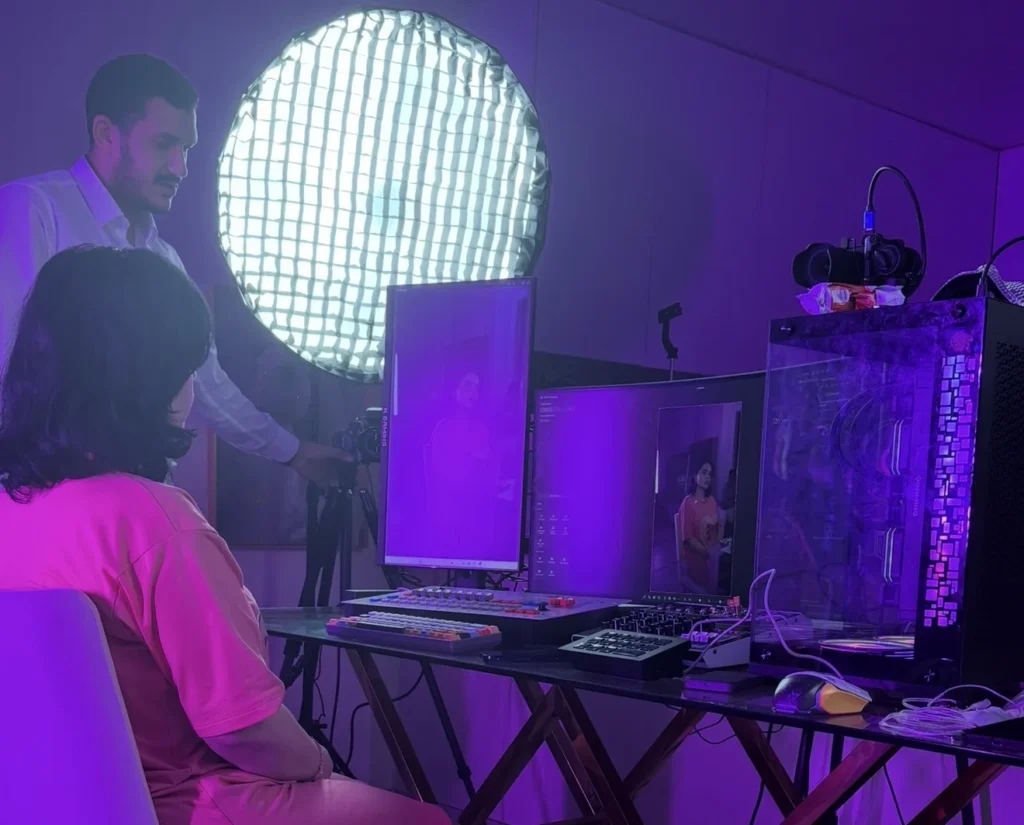
A TikTok LIVE studio setup brings together the room, background, camera, lighting, microphones, streaming computer and a tested operating workflow. For creators in Dubai, plan these as one system around an individual or group format, then agree the equipment, installation, training and handover before work starts.
Start with the LIVE you want to make
Before choosing equipment, describe a normal session: who appears on camera, what they do, where they stand or sit, and who operates the broadcast. A seated conversation, a beauty demonstration and a moving group performance need different camera positions, lighting coverage and microphone arrangements.
Write a short brief with your content format, number of creators, planned session length, language, room measurements and current equipment. Add room photos taken from more than one corner. These details help a studio team propose a usable layout and explain the scope of a quotation.
20Five provides TikTok LIVE studio setup in Dubai, with equipment, installation, configuration and training scoped for the project. The service also covers the wider UAE, Saudi Arabia and Egypt.
Check the room before planning the set
Walk through the room at the time you expect to broadcast. Listen for air-conditioning, traffic, appliances and sound from adjoining rooms. Check how daylight changes the background and where reflections appear. Leave space for light stands, camera distance, safe cable routing and someone to reach the controls.
A background can look attractive while still making the room hard to operate. Consider what happens when a creator turns, a group member changes position or the camera needs a wider view. Agree what belongs in the visible set and what needs to stay outside the frame.
- Measure the usable floor area and ceiling height.
- Mark camera, creator, lighting and control-desk positions.
- Review available sockets, internet access and ventilation.
- Check reflections, background distractions and access routes.
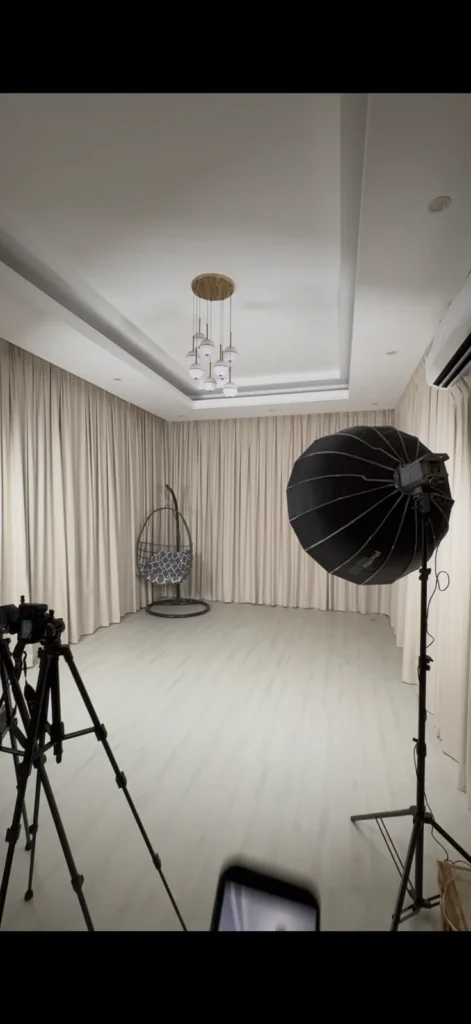
Plan an individual studio or a group LIVE studio
Individual creator setup
For one creator, start with a consistent camera position, a microphone suited to their movement, soft light on the face and a background that supports the content. Controls should be easy to reach without repeatedly leaving the frame. A small room may work well when the layout is planned carefully.
Group LIVE setup
For a group, plan the widest useful camera frame first, then check every creator position for light and sound. Decide whether one camera covers the format or whether additional views add a clear purpose. Allocate an operating position if someone needs to change views, watch audio levels or monitor the session.
A larger equipment list does not automatically make a better set. Each item should solve a defined production need, and the team needs to understand how to use it together.
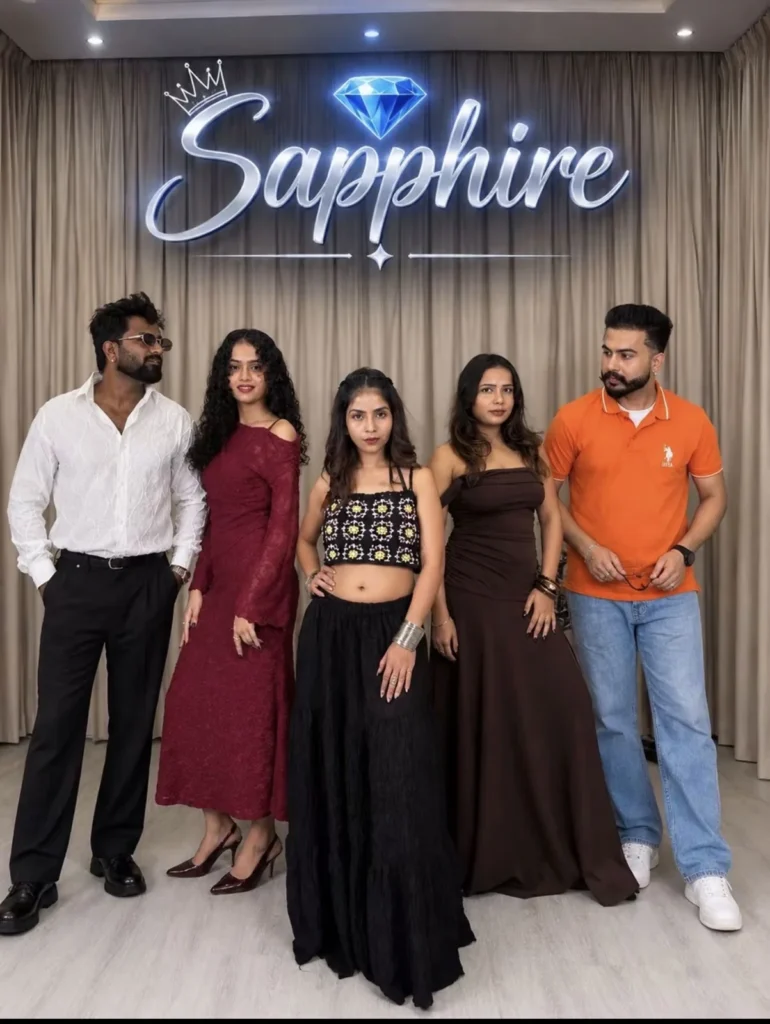
Choose equipment as a connected system
The camera, microphone, lights, computer and capture hardware must work together. A camera purchase should be checked against the connection method, intended framing, power solution and streaming software. Audio needs its own connection and monitoring plan.
Use our TikTok LIVE equipment guide for Dubai creators to work through cameras, capture, lighting, sound and compatibility checks. It includes a practical equipment checklist and explains when a multi-camera switcher can be useful.
Keep room-design decisions and equipment decisions connected: the available camera distance affects framing; movement affects the microphone choice; lighting placement affects how much space remains for the creators.
Separate the physical studio from software access
A professional studio is the physical room and connected production system. TikTok LIVE Studio is software. Building the room or buying equipment does not itself provide access to TikTok LIVE features.
Check the tools available to your actual account before finalising the workflow. TikTok states that only eligible creators can go LIVE; see its official LIVE troubleshooting guidance. The installation team should work with the access your account has, rather than promise that a particular purchase will unlock it.
If OBS forms part of your supported workflow, configure and test it with the hardware being installed. Account access, software compatibility and the studio build are separate checks.
Agree installation, testing and training
A handover should show how the finished setup operates. Check the intended framing, microphone levels, lighting and connection as a complete workflow. Test the positions and actions that the creators will actually use, including movement or more than one person speaking.
Ask for a simple operating checklist: which devices to turn on, which inputs to select, what to check before a session and how to stop safely. The person running the studio should practise these steps rather than only watch a demonstration.
- Label the agreed camera and audio connections.
- Review microphone monitoring and sound-to-picture timing.
- Test the streaming workflow using the tools available to the account.
- Show the team how to recognise a wrong input, missing audio or disconnected device.
- Record what was included in the handover and what requires a separate follow-up.
How long does a TikTok LIVE studio installation take?
20Five’s approximate implementation times are 3–7 days without decor execution and 7–15 days when decor execution is included. These are initial estimates, not guaranteed completion dates.
Confirm the schedule after the room and scope have been reviewed. Equipment availability, site readiness, decor requirements and changes to the brief can affect timing. Clarify what work is included in the estimate and what needs to be ready at the location before installation begins.
If you already have a room or equipment, share the details early. Reusing suitable components may change the proposed work, but existing hardware still needs to be checked with the rest of the system.
What to send when requesting a quotation
A useful brief helps the team explain what your project needs. Send the following on WhatsApp or email; there are no fixed prices in this guide because the room and equipment scope vary.
- Your country, city and intended installation location.
- Room dimensions, photos and any restrictions on the space.
- Individual or group format, plus the number of creators.
- Content type, movement and intended camera views.
- A list of existing cameras, microphones, lights and computers.
- Whether decor execution is required.
- Your preferred timing and who needs operator training.
Ask the quotation to identify the equipment, installation, configuration, testing, training and any exclusions. This makes proposals easier to review and helps avoid assumptions about what is included.
Questions creators ask before a studio build
Can 20Five upgrade a studio that already exists?
Yes. Share room photos and your equipment list so the team can review what can be reused and what needs changing.
Do I need a decorated studio before installation?
The room and equipment plan should be considered together. Tell the team whether the decor is ready, needs changing or should be included in the project. Approximate timing differs depending on that scope.
Can you install a setup for a group?
Yes. 20Five works on individual and group LIVE studio setups. The design depends on the number of creators, the room and the intended format.
Does a studio setup include ongoing agency support?
Studio installation and ongoing creator support are separate services. Explore the 20Five TikTok Creator Network for information on coaching, performance review and account support.
20FIVE / LIVE MOMENTS
From the studio to the LIVE screen.
Real captures from creators’ LIVE sessions in studios we set up. Explore the lighting, backgrounds, framing and microphone setups as they appear on screen.
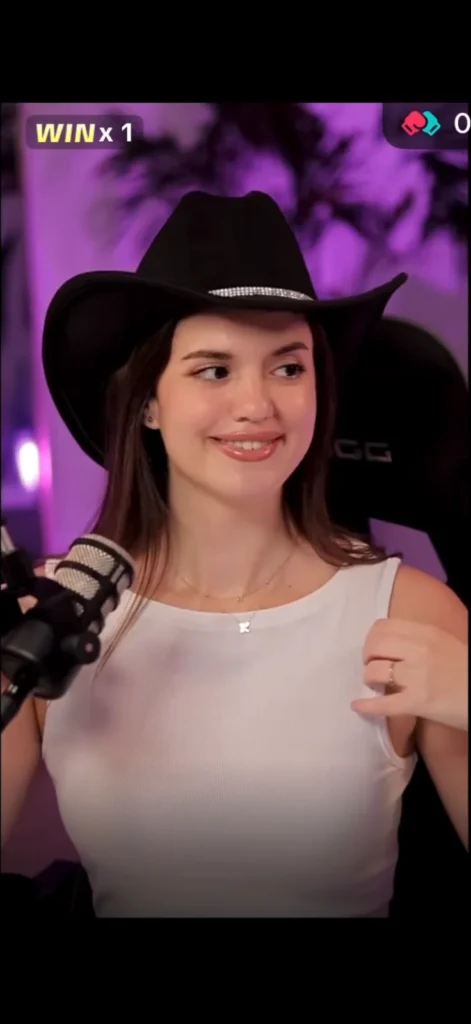
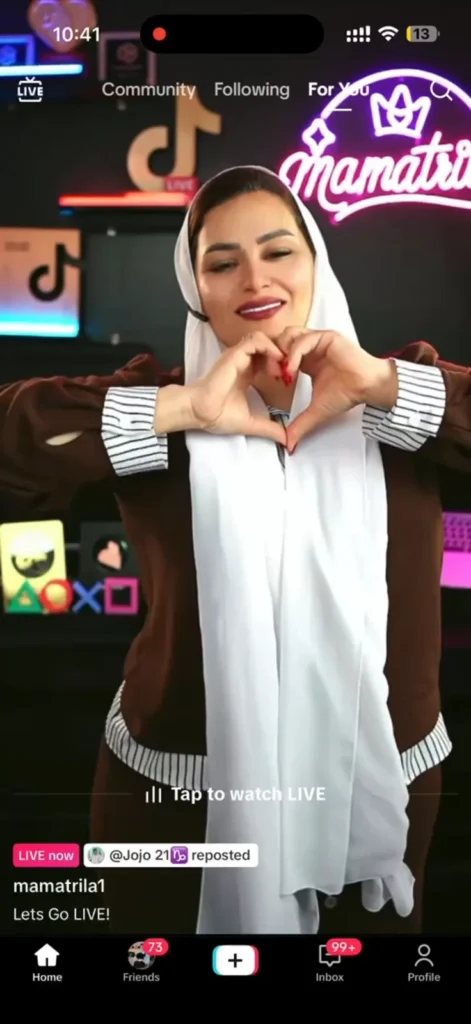
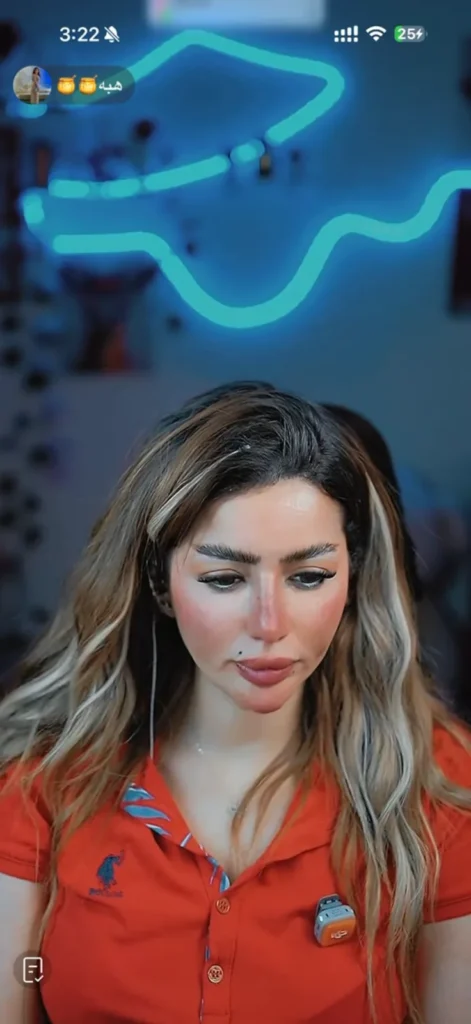
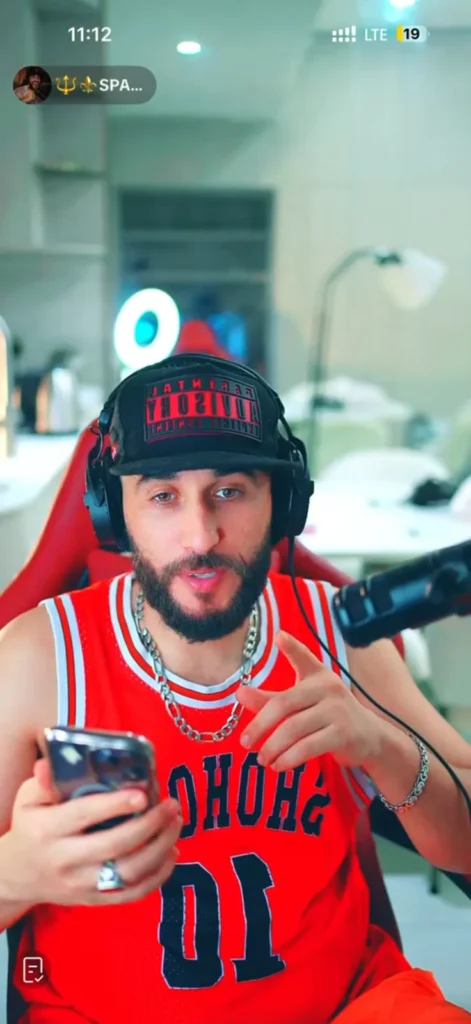
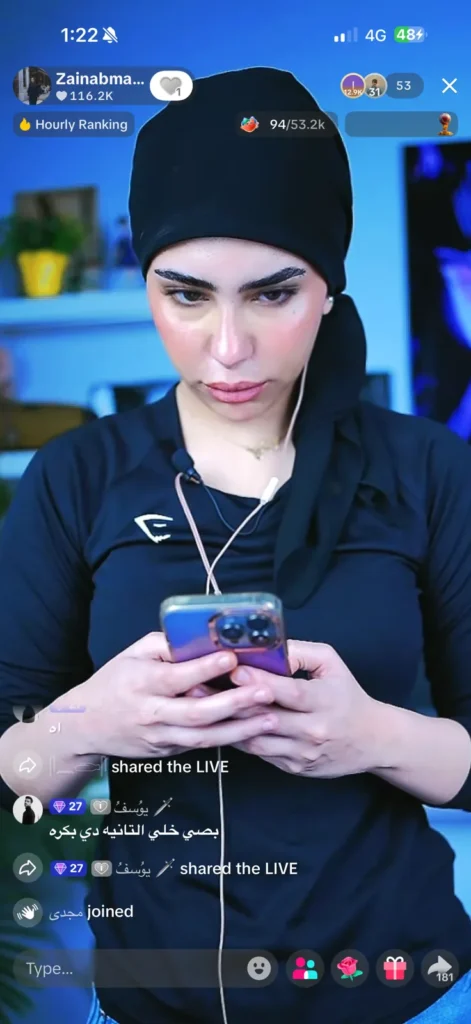
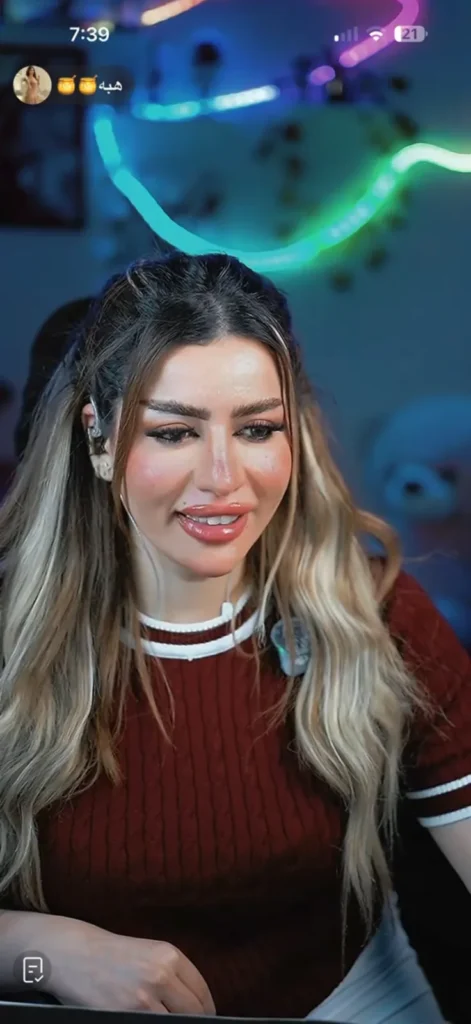
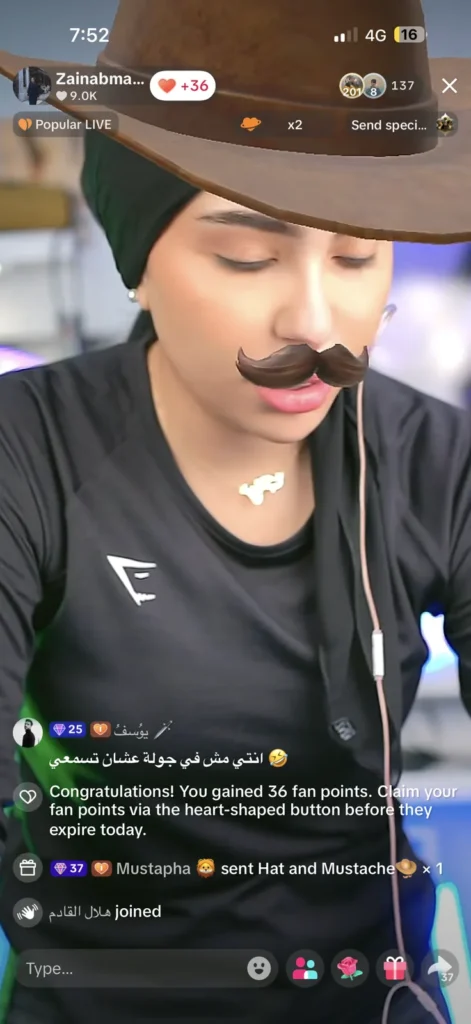
Swipe to explore all seven captures. These are still images from LIVE sessions and may include TikTok filters and interface elements.